Solo Documentary Filmmaking: A Step-by-Step Guide
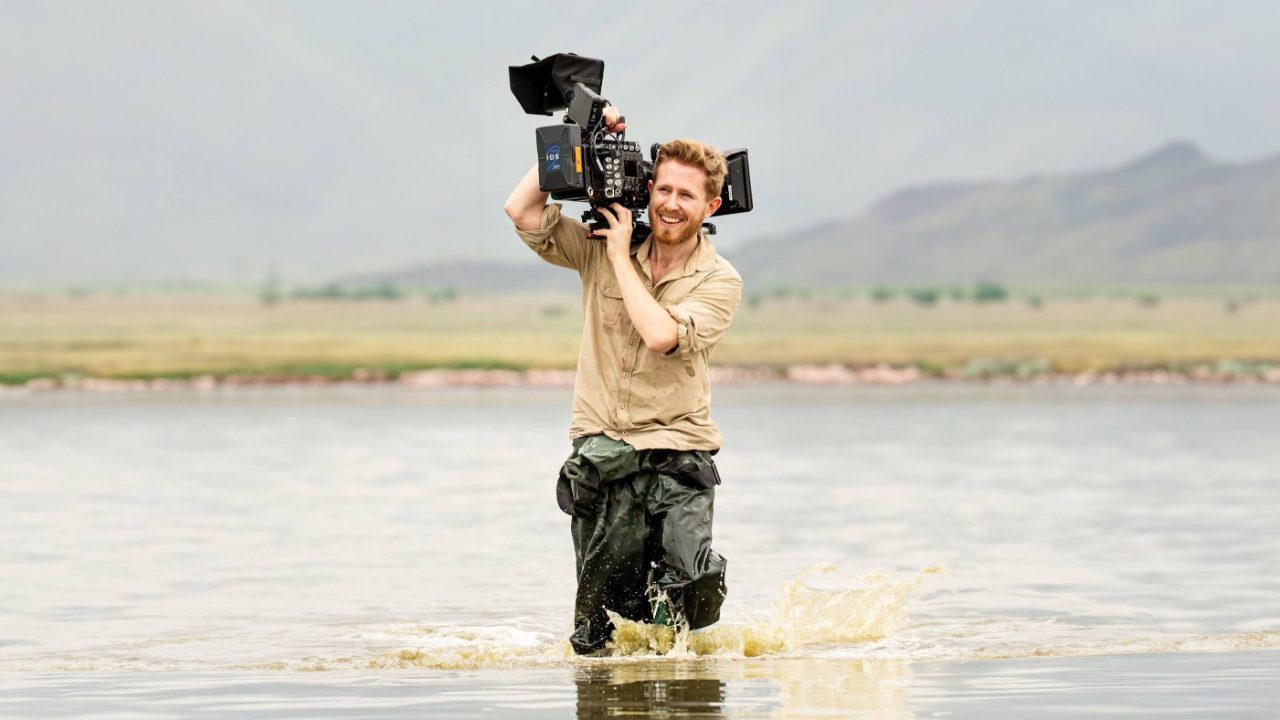
In short: Making a documentary on your own is entirely possible. Plan the story and shots first, keep the kit simple with a camera, tripod, good microphone and editing software, stick to a schedule, focus on one role at a time and stay connected with other filmmakers.
I've been making documentaries solo for over 20 years. Some went well, others were a mess, and along the way I've learned what works when you're the only person on set, in the edit suite and behind every decision.
In this video, I walk through 7 solo filmmaking lessons that have helped me become a better documentary filmmaker:
Benefits of Making a Documentary Alone
The biggest advantage is creative freedom. Without a crew, you have full control over the vision, direction and pacing, so you can try unconventional storytelling and personal approaches without compromise.
You also get flexibility. You work to your own schedule, make decisions on the fly and adapt quickly, which matters in documentary, where unplanned moments are often central to the story.
It's cheaper too, with no crew salaries, transport or catering to pay for. And a minimal setup often leads to more intimate, authentic moments with your subjects.
Drawbacks of Making a Documentary Alone
Filming, directing, producing and editing everything yourself takes a physical and mental toll, and it can lead to burnout if you don't manage it.
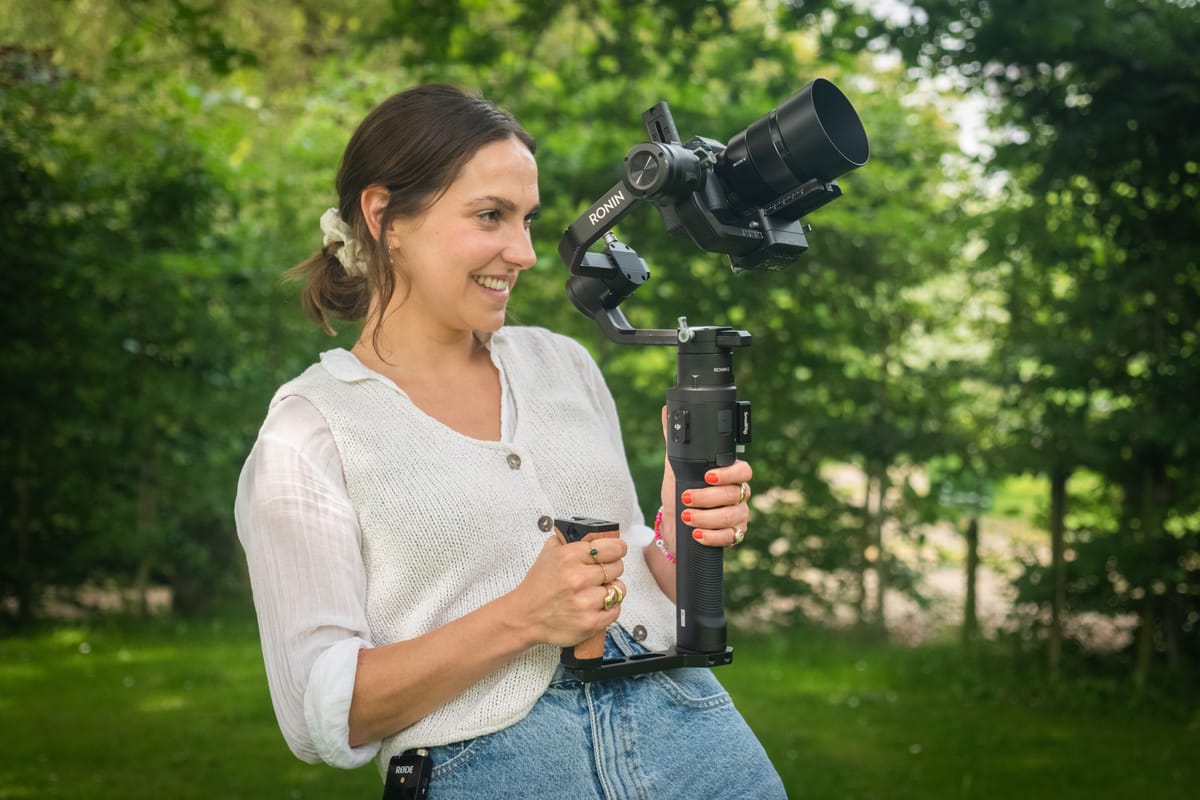
Running camera, audio and lighting at the same time is a lot, and quality can suffer. You'll also miss some key moments simply because you can't be in two places at once.
Without a team to bounce ideas off, creative problems are harder to spot and solve during production. My post on documentary filmmaking challenges and how to overcome them goes deeper on these.
How to Stay Motivated as a Solo Filmmaker
Set clear, achievable goals. Break the project into manageable tasks and celebrate small wins along the way.
When your motivation dips, remind yourself why you started and go back to what first inspired you about the subject. Take breaks when you need them.
Stay connected with other filmmakers, even when you're working alone. Online communities, film festivals, workshops and courses all give you support, feedback, fresh perspectives and potential collaborations.
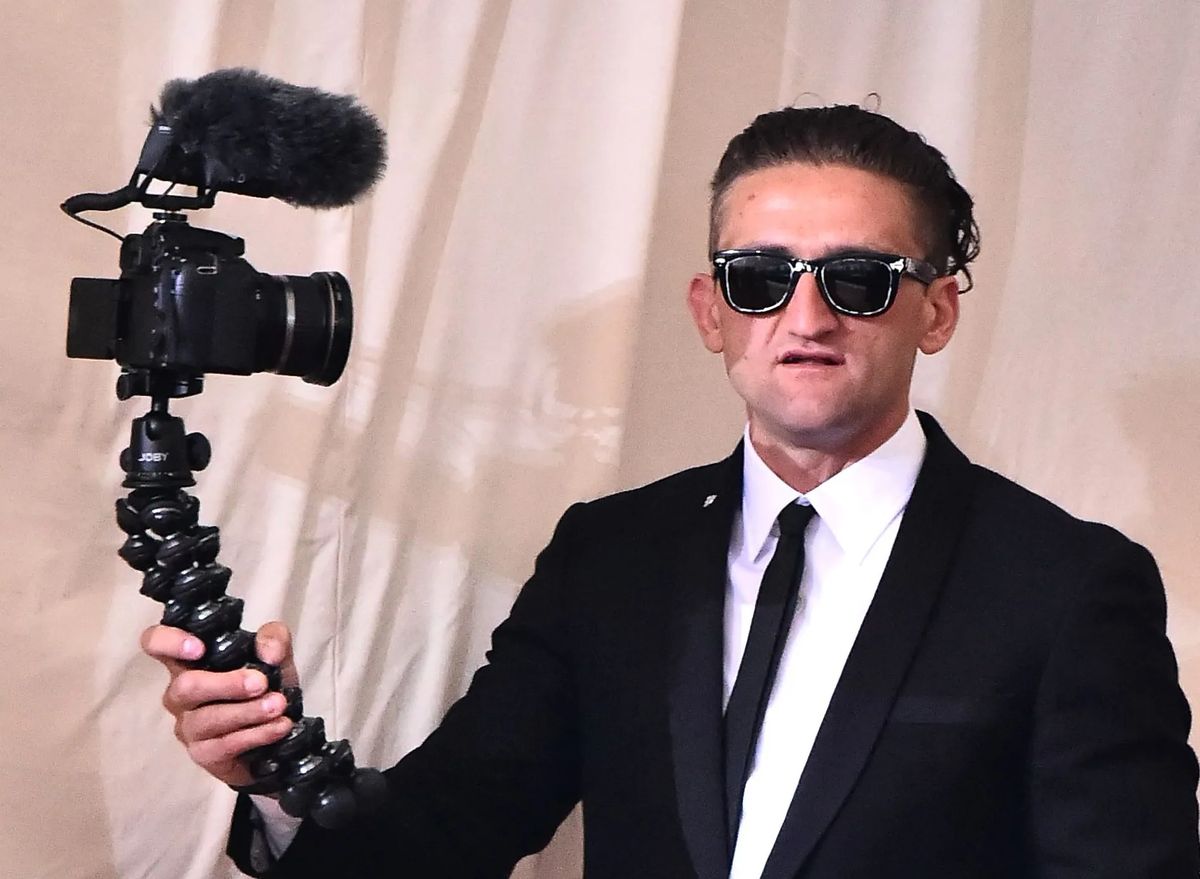
A Successful Solo Documentary Filmmaker: Casey Neistat
Casey Neistat is a self-made filmmaker known for his fast-paced editing and authentic style. He shoots, narrates, edits and produces his documentary-style films himself, blending humour, vulnerability and strong visuals to reach millions of viewers.
His hands-on, DIY approach has inspired a generation of filmmakers and shows that one person can make high-quality work without a large production team.
Essential Equipment for Solo Filmmakers
Here's the gear I'd recommend starting with:
- Camera: A mirrorless camera or mobile phone works well. Look for good low-light performance and in-body stabilisation. My best documentary cameras guide has more detail.
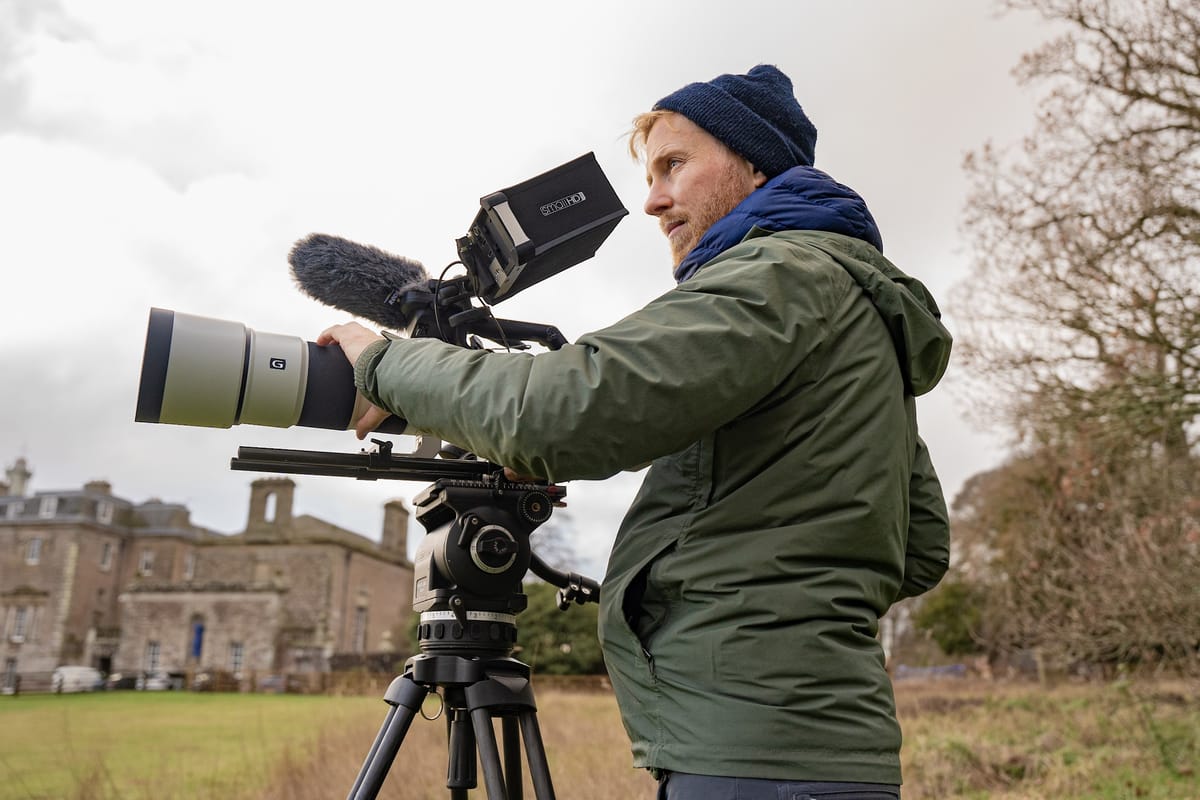
- Tripod: A sturdy tripod is essential for stable shots when you're operating the camera alone.
- Microphone: Audio matters most. A shotgun mic and a lavalier mic will capture clear dialogue and ambient sound. Here's how to record great sounding audio as a solo filmmaker.
- Lighting: Portable LED lights make a big difference, especially in low light. If you're not ready to buy lights, learn how to light a cinematic scene without lights.
- External monitor: Helps you frame shots accurately when you can't be behind the camera.
- Editing software: Adobe Premiere Pro, Final Cut Pro or DaVinci Resolve can handle everything from basic cuts to advanced colour grading. My guide to editing an engaging documentary walks through the process.
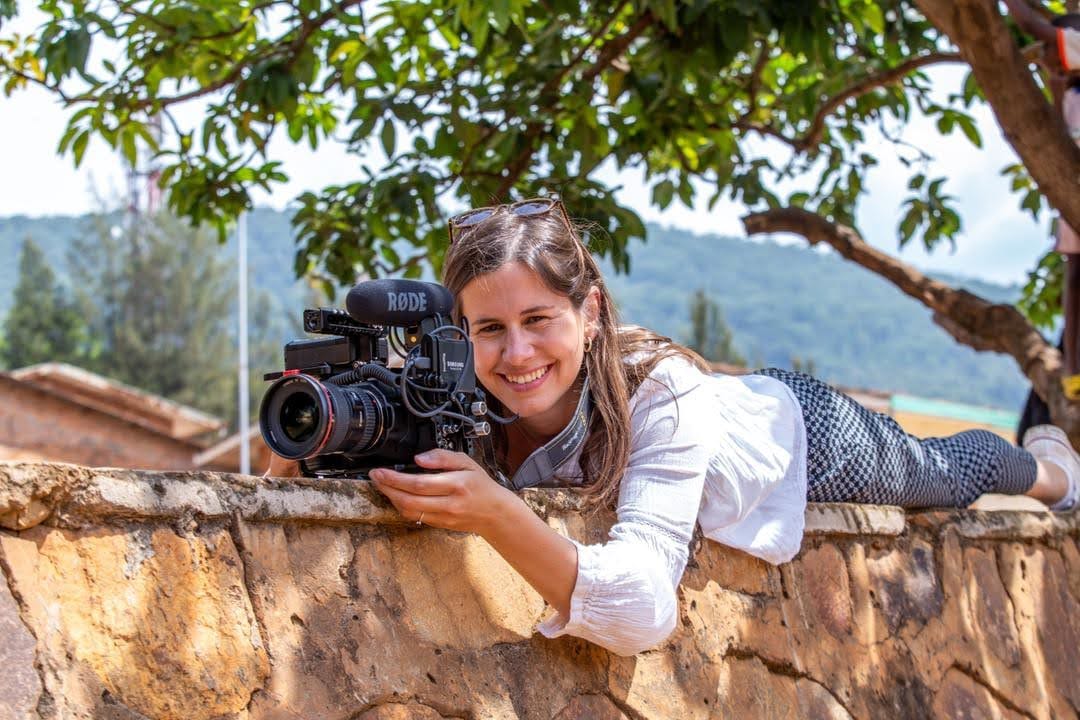
Learn your gear's functions and limits before the shoot, and practise with it in different conditions so you can adapt on set. Keep your kit light and portable for quick setups.
To film whole scenes with just one camera, see my guide on how to shoot a cinematic documentary scene.
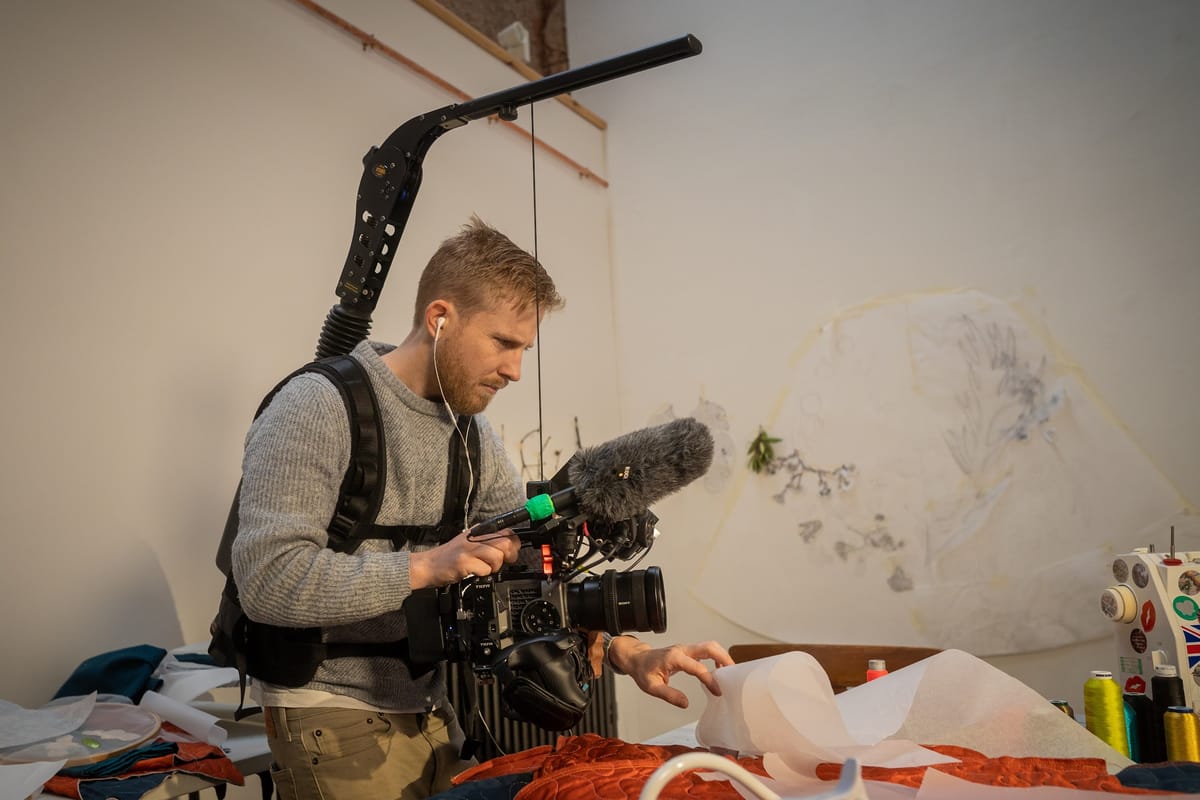
How to Capture High-Quality Footage and Audio on Your Own
- Stabilise your camera: Use a tripod or gimbal. If you're handheld, practise steadying techniques to minimise movement.
- Monitor your audio: Wear headphones whenever possible so you catch background noise or microphone problems on the spot.
- Use manual settings when you can: Control exposure, focus and white balance manually to avoid fluctuations and get consistent results. My post on how to keep your subject in focus when filming solo covers focus in detail.
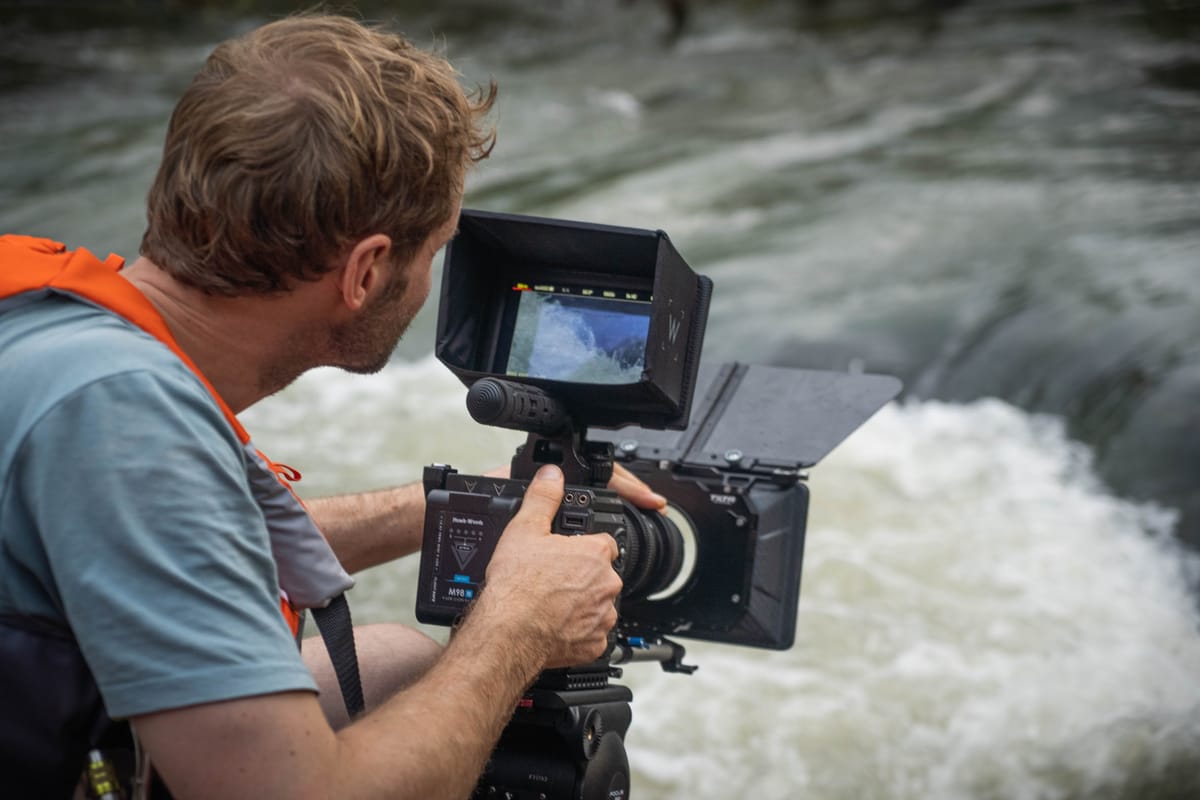
Managing Your Time and Project
- Create a detailed schedule: Plan shoots, editing sessions and breaks in advance, and stick to it to avoid last-minute stress.
- Prioritise: Capture the most important elements first, such as key interviews or b-roll, so you have what you need to tell the story.
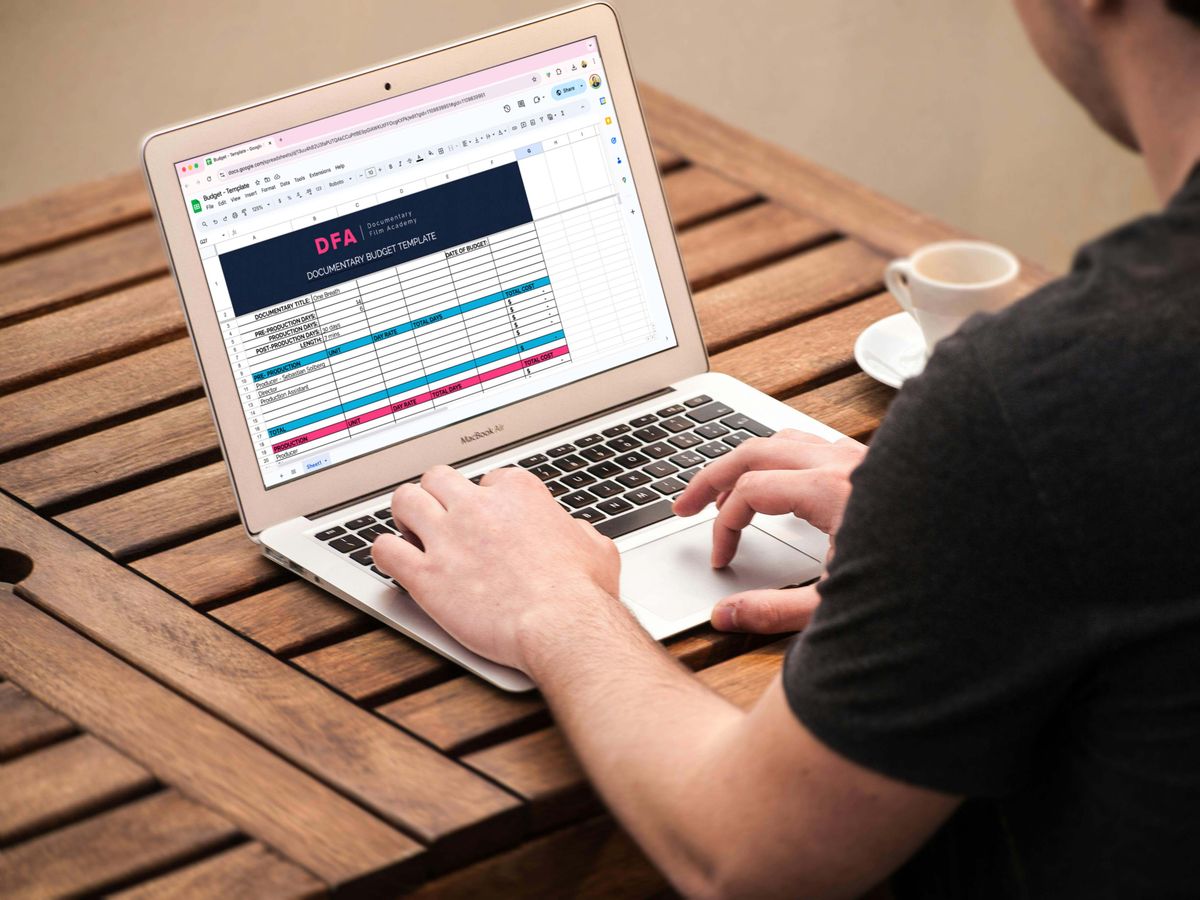
- Simplify your workflow: Storyboards, shot lists and checklists keep you organised. Batch tasks like editing or colour grading to save time.
- Use project management tools: Trello or Asana help you track tasks, deadlines and progress.
- Stay organised: Well-organised files, footage and notes save time and frustration in the edit. I use Milanote to keep track of my notes and ideas.
- Outsource when necessary: If sound design or colour grading is beyond your skills or too time-consuming, consider handing it to someone else.
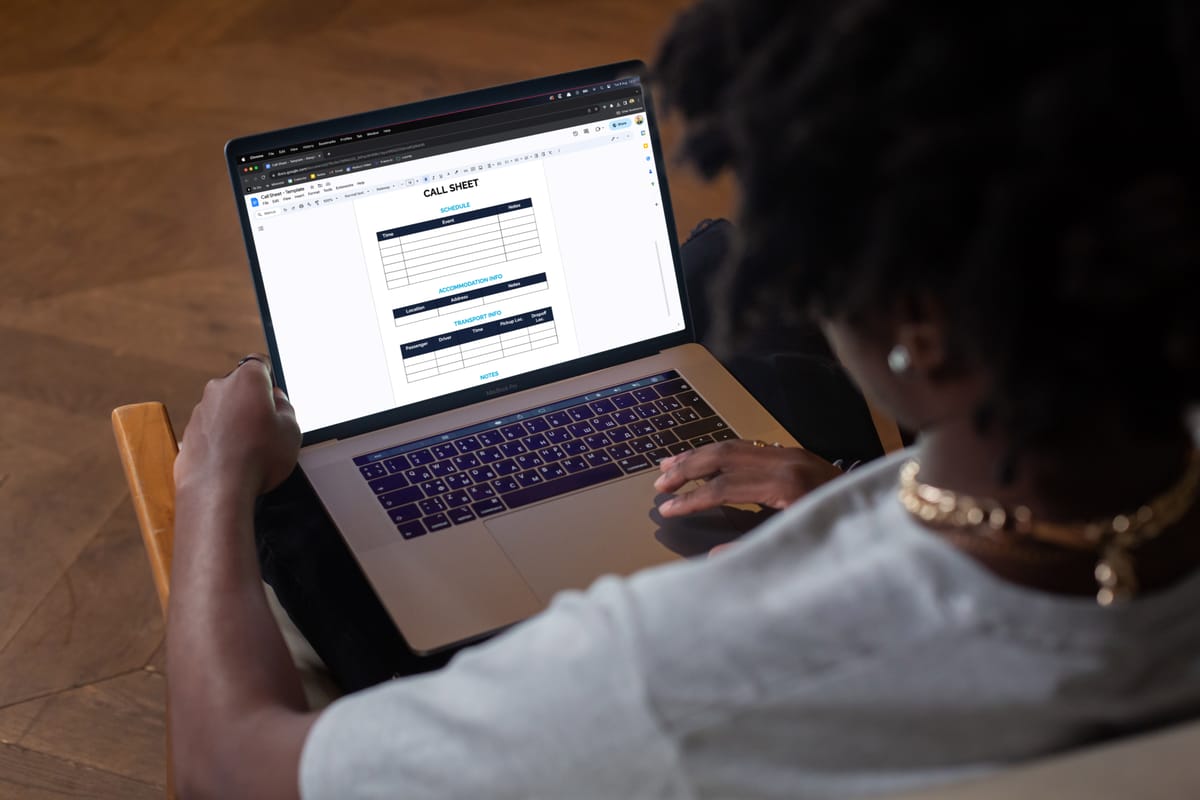

Balancing Multiple Roles
As a solo filmmaker you're director, producer, cinematographer and editor all at once.
- Focus on one role at a time: While filming, concentrate on getting the best footage, not on how you'll market the film. Otherwise you'll quickly feel overwhelmed.
- Plan ahead: Pre-plan your shots and sequences to make the edit smoother.
- Stay adaptable: Be ready to adjust your plans to the realities of the shoot.
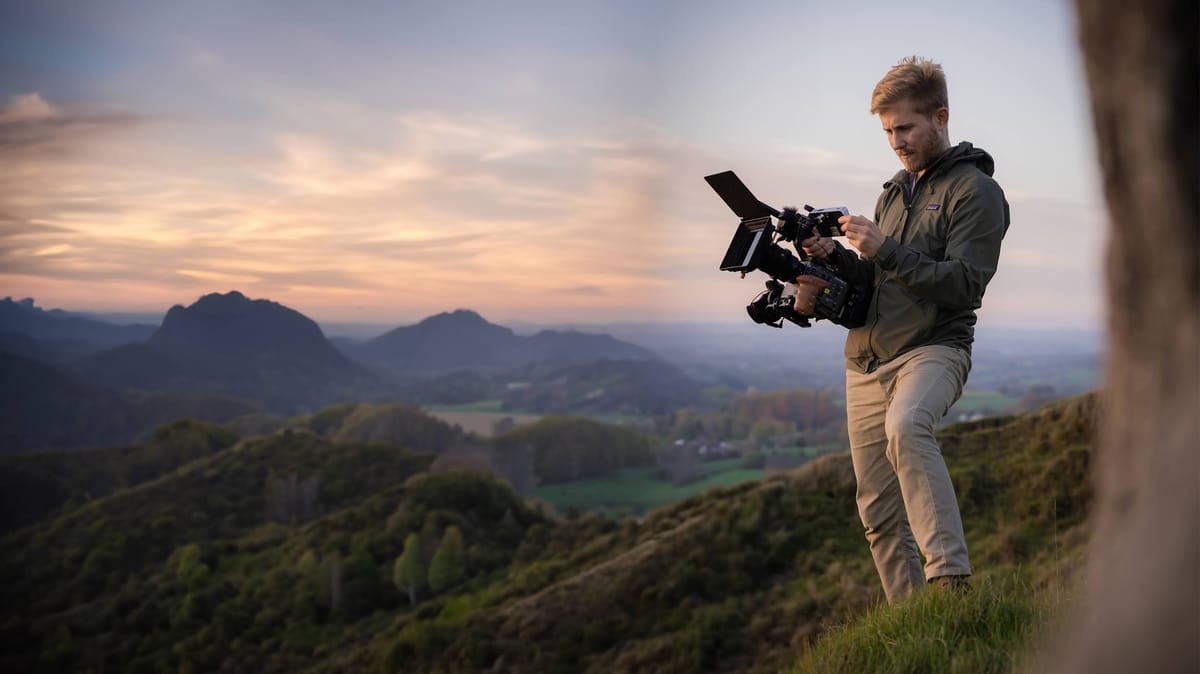
Crafting a Clear and Engaging Story
Outline your story structure before you start filming, and identify the key themes, characters and events that will drive it. My guide to documentary storytelling in three acts shows you how.
As you gather footage, keep reassessing the story and stay open to change. The most powerful narratives often emerge during filming.
In post-production, pay close attention to pacing and transitions so the story unfolds clearly and keeps viewers engaged.
Software and Tools for Editing
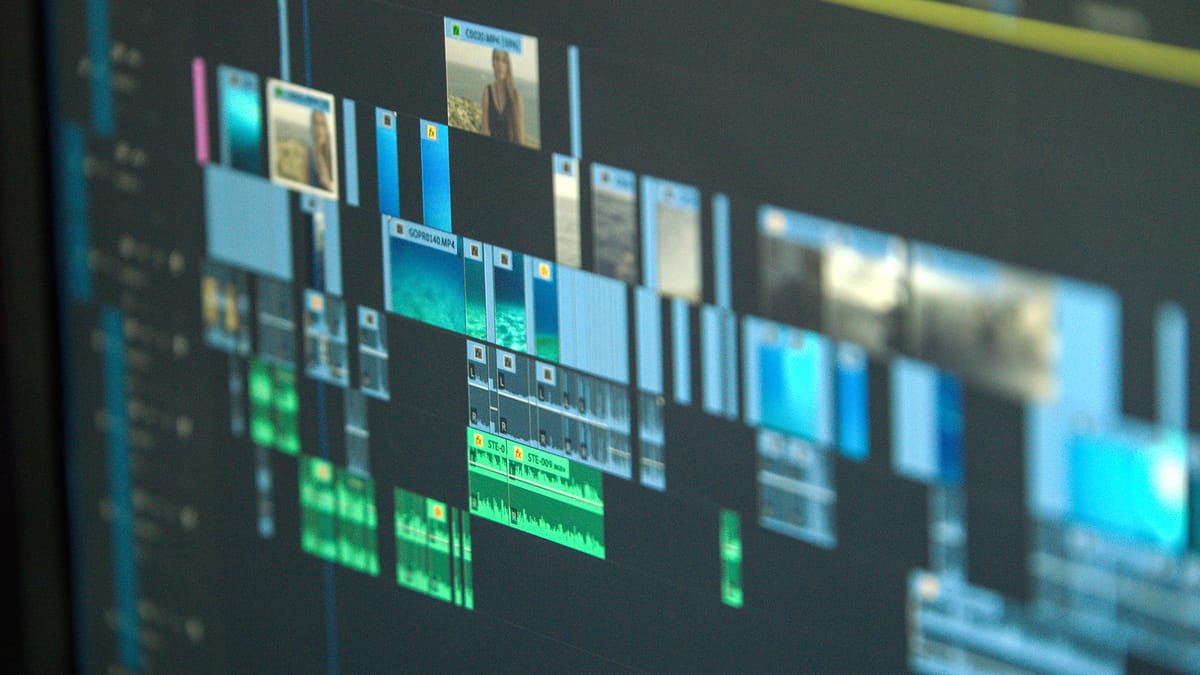
Editing is often the most time-consuming part of documentary filmmaking. These tools help:
- Adobe Premiere Pro: A wide range of features for cutting, colour grading and effects.
- Final Cut Pro: Known for its intuitive interface and powerful editing.
- DaVinci Resolve: Excellent for colour grading, with a free version that's fully featured.
- Adobe Audition: Ideal for cleaning up audio and adding sound effects or music.
- Storyboarder: Helps you visualise your narrative before you start editing.
Finding Resources and Support
There's plenty of free help out there. No Film School, the Documentary Film Academy blog and YouTube cover every aspect of filmmaking, and mentors or peers can offer guidance too.
For the bigger picture, read my guide on how to become a documentary filmmaker.
Can You Make a Documentary by Yourself?
Yes. It's challenging, but making a documentary alone is entirely possible and very rewarding. Stay organised, use the right equipment and hold on to a strong creative vision.
Persistence, passion and continuous learning are what get solo films finished. When you're ready to start, my step-by-step guide on how to make a documentary takes you from idea to finished film.
Start small, plan well and keep going: one person really can tell a story that matters.
Frequently Asked Questions
How do you film a documentary solo?
Start with a clear story outline and shot list, then use a mirrorless camera on a reliable tripod with a shotgun or lavalier mic. Film your interviews first to anchor the story, then capture b-roll to support each scene. Monitor audio with headphones, shoot in manual mode and plan each shoot so you know exactly what you need.
Can one person make a documentary?
Yes. Many successful documentaries have been made by a single person. With modern cameras, affordable editing software like DaVinci Resolve and online distribution, one filmmaker can handle every stage from pre-production to the final edit.
How much does it cost to make a documentary alone?
You can make a short documentary for under $500 using a smartphone, free editing software and natural light. A feature-length solo documentary might cost $2,000 to $20,000 depending on travel, equipment, licensing and post-production. The biggest saving is not paying crew salaries.
What equipment do I need for solo documentary filmmaking?
At minimum: a camera (mirrorless or smartphone), a tripod, an external microphone (shotgun or lavalier) and editing software. Portable LED lights, an external monitor and headphones are helpful additions. Start with what you have and upgrade as your skills and budget grow.